
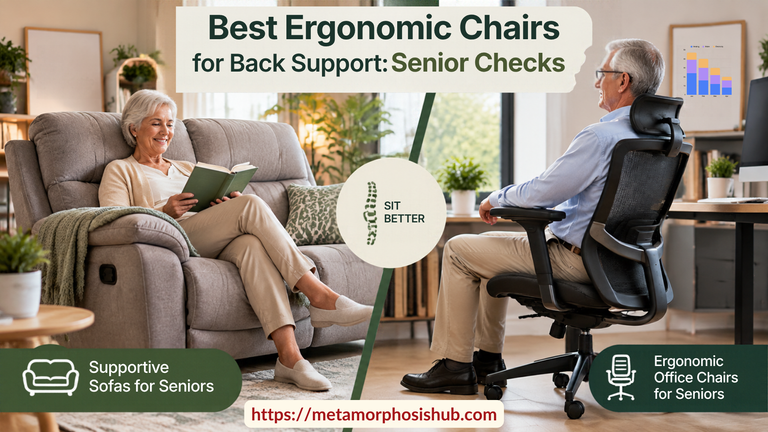
Choosing ergonomic chairs for seniors back support should not be a guessing exercise as it affects their comfort level and quality of life later.
Hours in a chair can leave your back stiff and your legs heavy. A chair that does not fit makes both problems worse, and it also decides how hard it is to stand up afterward.
This article gives you a checklist you can use on any chair, so you can judge if they fit the category of ergonomic chairs for back support by how well they help you sit down, rest and get up safely.
As an Amazon Associate I earn from qualifying purchases. If you buy through links on this page, I may earn a small commission at no extra cost to you.
Why the Best Chairs for Seniors Need More Than Comfort
Standing up from a chair takes leg strength, balance and a push from the arms. When any of those has weakened, the chair has to make up the difference. A seat that is too low, too soft or too slippery asks more of the body at the exact moment it has the least to give.
Long sitting adds a second problem. Slumping in a seat with no back support rounds the lower spine, and the hips and knees stay bent for hours. Many people feel it as stiffness the moment they try to stand.
Most chairs are sold on comfort in the showroom, which tells you little about how comfortable they are at home when they are actually in use.The checklist below covers both.
If you have a medical condition, recent surgery or a history of falls, ask your doctor or an occupational therapist what to look for in your situation, since they can assess how you move.
7 Checks for Choosing Chairs for Seniors
Take the first two measurements at home, sitting on a firm surface in the shoes you normally wear before you shop. Write the numbers down and carry them with you.
1. Check Seat Height
Sit with your feet flat on the floor and measure from the floor to the crease behind your knee. A seat close to that number lets your feet rest flat with your knees bent at roughly a right angle. A seat a little higher than that number is often easier to stand up from, because your hips start closer to the height you are heading toward.
A seat that is much too high leaves your feet dangling and puts pressure on the back of your thighs. A seat that is too low is the more common problem for seniors, and it forces a deep, effortful push to rise.
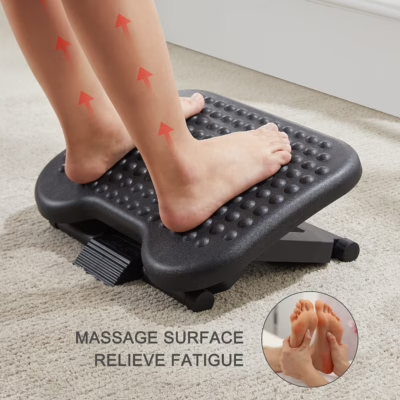
A footrest makes sense when an otherwise suitable chair is slightly too high and the feet cannot rest comfortably on the floor. Canadian federal ergonomic guidance also recommends a footrest when feet cannot remain supported (Natural Resources Canada).
2. Check Seat Depth
Measure from the back of your buttocks to the crease behind your knee. The seat you buy should be a little shorter than that, leaving a gap of about two finger widths between the front edge and the back of your knee.
If the seat is too deep, you either perch at the front with no back support or slide back and press the seat edge into your legs.
When a listing gives dimensions, compare the seat height and depth to your numbers. Check whether the height is measured with or without the cushion, because the difference can be significant.
3. Chairs with Arms for Seniors: Check Strength and Fit
Armrests are the handles you use to stand up, so treat them as safety equipment. Look for these features:
- Sturdy attachment: they should not wobble or flex when you lean your weight on them.
- Height: with your elbows bent, your forearms should rest on them without your shoulders rising.
- Position: they should reach far enough forward that you can push on them when you rise, and sit far enough apart that you are not squeezed.
- Surface: a slightly padded, non-slip surface is easier on the hands and wrists than bare metal or slick plastic.
4. Ergonomic Chairs for Back Support: Check Lumbar Support
Good back support fills the inward curve of your lower back. A chair with a flat backrest leaves a gap there, and the spine slowly sags into it. In good ergonomic chairs for back support, look for a backrest with a visible lumbar curve, or one with an adjustable lumbar section you can raise or lower to match your spine to prevent back pain in seniors.
Backrest height depends on how you use the chair. For desk work, a mid-back height lets your shoulders move freely. For reading or TV, a taller backrest that also supports the neck and head can be more restful. Adjustable ergonomic chairs fit more people, but only if you can reach the controls and operate them easily.
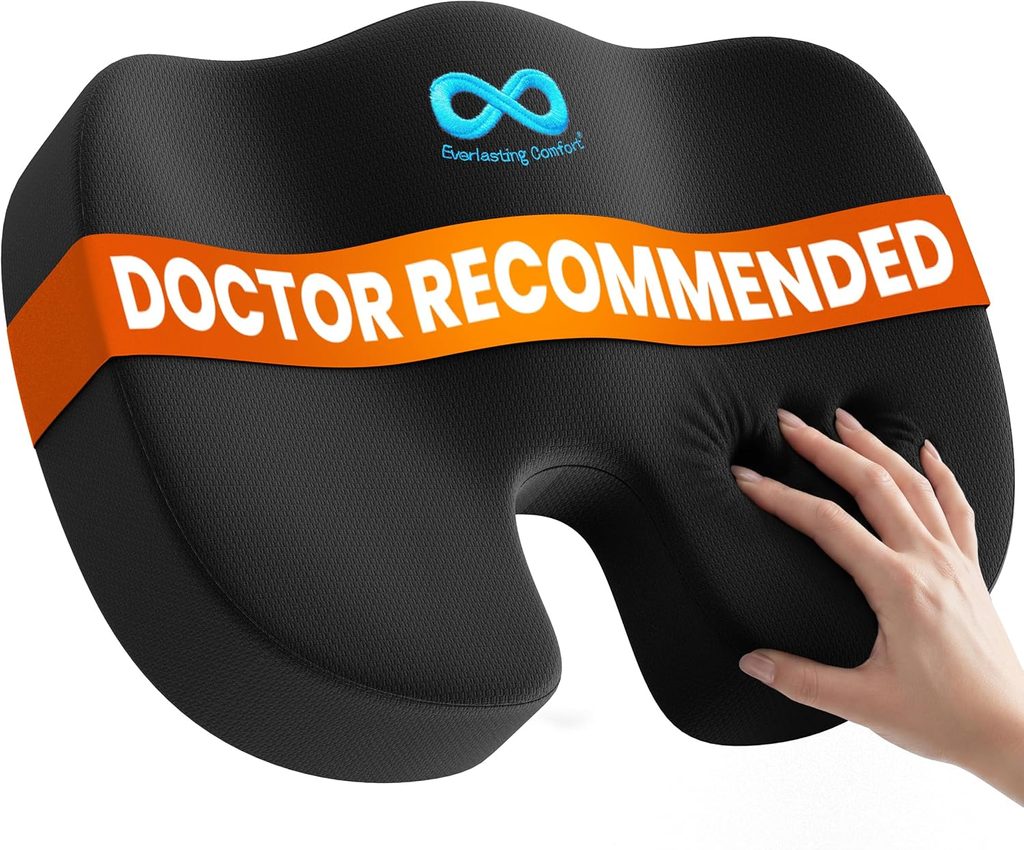
Optional Back-Support Accessory: If an otherwise suitable chair leaves a gap behind the lower back, a removable lumbar cushion can add support. Make sure it does not push you so far forward that the seat becomes too shallow.
5. Check Cushion Firmness
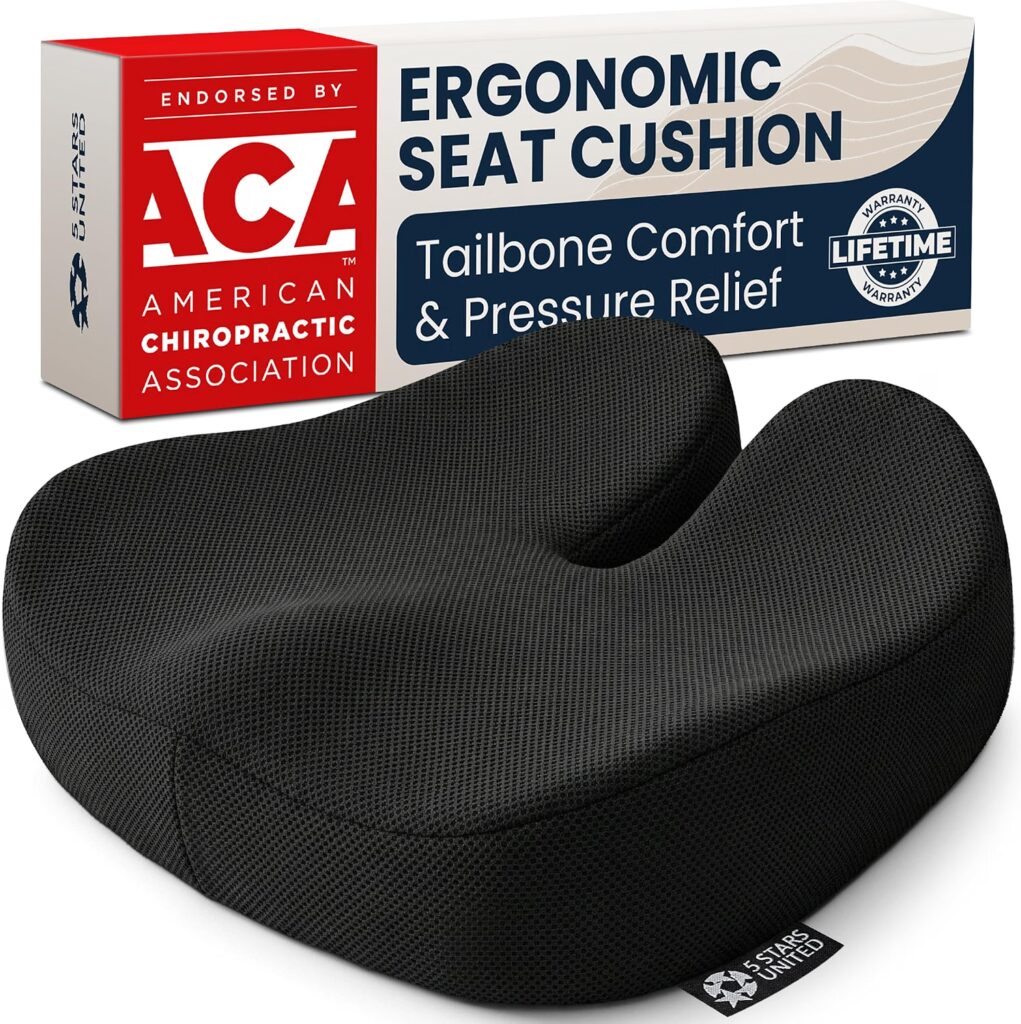
Firm cushioning that springs back is better than a deep, plush seat. A soft cushion lets your hips sink below your knees, which makes standing harder and tilts the pelvis backward. Dense foam holds its shape and gives you a stable surface to push from. Refer to our chair cushions guide.
Firm does not mean hard. If a seat feels fine for two minutes but you can feel the frame after ten, it will be uncomfortable for hours. Anyone with fragile skin or pressure sores in their history should ask a clinician about pressure-relieving seat cushions before choosing.
6. Check Stability: Wheels, Swivel, Base and Fabric
A chair that moves when you do can turn a routine stand-up into a fall. Check the following before you buy:
- Wheels: casters roll away as you lower yourself or push up. Choose locking casters, or swap them for rubber glides if the chair allows it. On carpet, wheels move less than on hard floors, but they can still shift.
- Swivel: a seat that turns freely makes it easy to lose your orientation. Look for a swivel you can lock, or skip it for chairs you sit in only to rest.
- Narrow bases: a small star base can tip when you lean sideways to reach for something.
- Slick fabric: smooth leather or vinyl lets you slide forward. A fabric with some grip keeps you in position.
7. Check Controls and Ease of Use
These checks will prevent the risks of falling:
- Height lever: a gas-lift seat can sink slowly under your weight. Test whether it holds its height when you sit.
- Recline mechanisms: a quick, sudden recline can throw you backward. Prefer controls that move gradually and respond to a light touch.
Position the chair with its back to a wall when you can, and keep the floor around it clear of rugs and cords.
4 Types of Chairs for Seniors Compared
Lift chairs, high-seat recliners ergonomic office chairs are four chair types that cover most of what seniors look for. Each solves a different problem.
| Chair type | Best for | Watch out |
|---|---|---|
| Lift chairs | Anyone who struggles to rise even from a good chair | Needs a power outlet and floor space; you must be able to use the remote control and bear some weight |
| High-seat recliners | Resting, napping, reading and TV | If the footrest and recline mechanism are awkward to operate or, if the seat sinks |
| Ergonomic office chairs | Desk work, computer use, crafts and games at a table | Wheels and swivel operation; adjustment controls can be fiddly |
| Lounge chairs/sofa with arms | Anyone who does not struggle to rise from a chair | Soft sofa cushions that sink in |
Lift chairs
A lift chair has a motor that tilts the whole seat forward and upward, so you are brought nearly to standing. The motor does the hardest part of getting up. Some models recline fully and some have a more upright frame, so compare how each one feels at the start of the lift.
If standing has become difficult, ask a physiotherapist or occupational therapist whether a lift chair fits your mobility needs and how to use it safely.
High-Seat Recliners
These are standard recliners for back comfort built on a taller frame, which shortens the distance you need to rise. A firm seat and sturdy armrests matter more than the extras. Check how the footrest closes, because a footrest that is hard to lower can leave you pushing against it as you stand.
Ergonomic Office Chairs
An ergonomic office chair gives you the most adjustment: seat height, lumbar support, armrests and tilt. That makes it a good fit for anyone who spends long stretches at a desk or table.
The trade-off is the wheeled base, covered in the next section. Choose a model with a wide base, firm armrests and a seat that stays put when you sit especially if you need to use it at a table for your hobbies.
Lounge Chairs With Arms
Lounge chairs with arms are best suited to seniors who want a comfortable chair for reading, conversation, or relaxing and who can still stand without powered assistance.
Look for a chair with a firm, supportive seat, sturdy armrests, and a seat height that allows the feet to rest flat on the floor. If the chair will be used for long periods, make sure the backrest supports the lower back and that the seat depth allows you to sit fully back without pressure behind the knees.
Avoid lounge chairs that are very deep, overly soft, or difficult to rise from. The armrests should be strong enough to push on when standing, and the seat should support the body without allowing the hips to sink too low.
Very deep or overly soft lounge chairs can be harder to rise from when the hips sink too low because the body has farther to travel before standing.
How to Test Chairs for Seniors Before You Buy
Whether you are in a showroom or testing a delivery, run through the same sequence:
- Check your feet. Sit in your usual shoes. Both feet should be flat on the floor with your knees at roughly a right angle.
- Check the gap. Slide a couple of fingers between the seat edge and the back of your knee. You should fit about two.
- Sit back fully. Your lower back should feel supported, and your shoulders should not hunch.
- Stand up three times. Use the armrests. If you have to rock, swing or twist to get up, the seat is too low or too soft.
- Check stability. Push on the armrests and lean to one side. Nothing should move, tip or creak.
- Stay for ten minutes. Notice pressure points, numb legs or a back that starts to slouch.
- Sit down slowly. A chair should take your weight smoothly without dropping or rolling.
For online orders, read the return policy before you buy, and test the chair as soon as it arrives. Try it with your family member or caregiver, if you use one.
Using a Chair With a Walker or Rollator
If you use a walker or rollator, the chair has to work with it. Leave enough clear floor in front of the chair to park the walker within arm’s reach but out of the path your legs take when you stand. Armrests that are too wide or too close to a table can stop you from getting close enough.
Before you sit, lock the brakes on a rollator and make sure the walker will not roll. When you stand, get your feet under you and take hold of the armrests first, then move to the handgrips only once you are upright and steady. Test your chair this way before you commit to it.
Conclusion: Choosing the Best Chairs for Seniors
The best chair for a senior is the one that fits your measurements, supports your lower back, has firm armrests and stays still when you move.
Take your seat height and depth numbers with you, compare lift chairs, high-seat recliners and ergonomic office chairs against the checklist, and run the stand-up test before you decide. A chair that does those things well will be comfortable for hours and safer every time you rise.
FAQs About Chairs for Seniors
What are the best chairs for seniors?
The best chairs for seniors have a suitable seat height and depth, sturdy armrests, supportive cushioning, good back support, and a stable base. The right dimensions depend on the person’s body size and mobility.
Are chairs with arms better for seniors?
Chairs with arms for seniors can make sitting down and standing easier by providing a stable surface to push from. Armrests should feel sturdy, comfortable, and positioned so they can be reached easily.
What seat height is best for seniors?
The ideal seat height allows both feet to rest flat while making standing manageable. Seats that are too low increase the effort needed to rise, while overly high seats can leave the feet unsupported.
What should ergonomic chairs for back support include?
Ergonomic chairs for back support should provide comfortable lumbar support, suitable seat depth, appropriate seat height, and armrests that allow relaxed shoulders. Adjustable features are useful only when they are easy to operate.
Are soft chairs good for seniors?
Very soft chairs can make standing more difficult because the hips sink deeply into the seat. A supportive cushion that springs back usually provides a more stable surface while still remaining comfortable.
References
Blackler A et al. (2018) Seating in aged care: Physical fit, independence and comfort. SAGE Open Medicine 6. https://pubmed.ncbi.nlm.nih.gov/29326817/
National Institutes of Health, Office of Research Services — Ergonomic Chairs. https://ors.od.nih.gov/sr/ds/HealthAndWellness/Ergonomics/Pages/ergonomic_chair.aspx